8 Best AI Video Generator Software Tools (2026)
Cut production time and costs with the best AI video generator software. Compare top tools for faceless channels, UGC ads, and cinematic clips.
 Henry · 9 min read

Finding the right ai video generator software in 2026 requires understanding your actual workflow. Buyers often ask which single tool looks the most realistic. Instead, the right software depends entirely on the job you need it to do. A founder shipping product explainers buys a different platform than a marketing team scaling paid social ads.
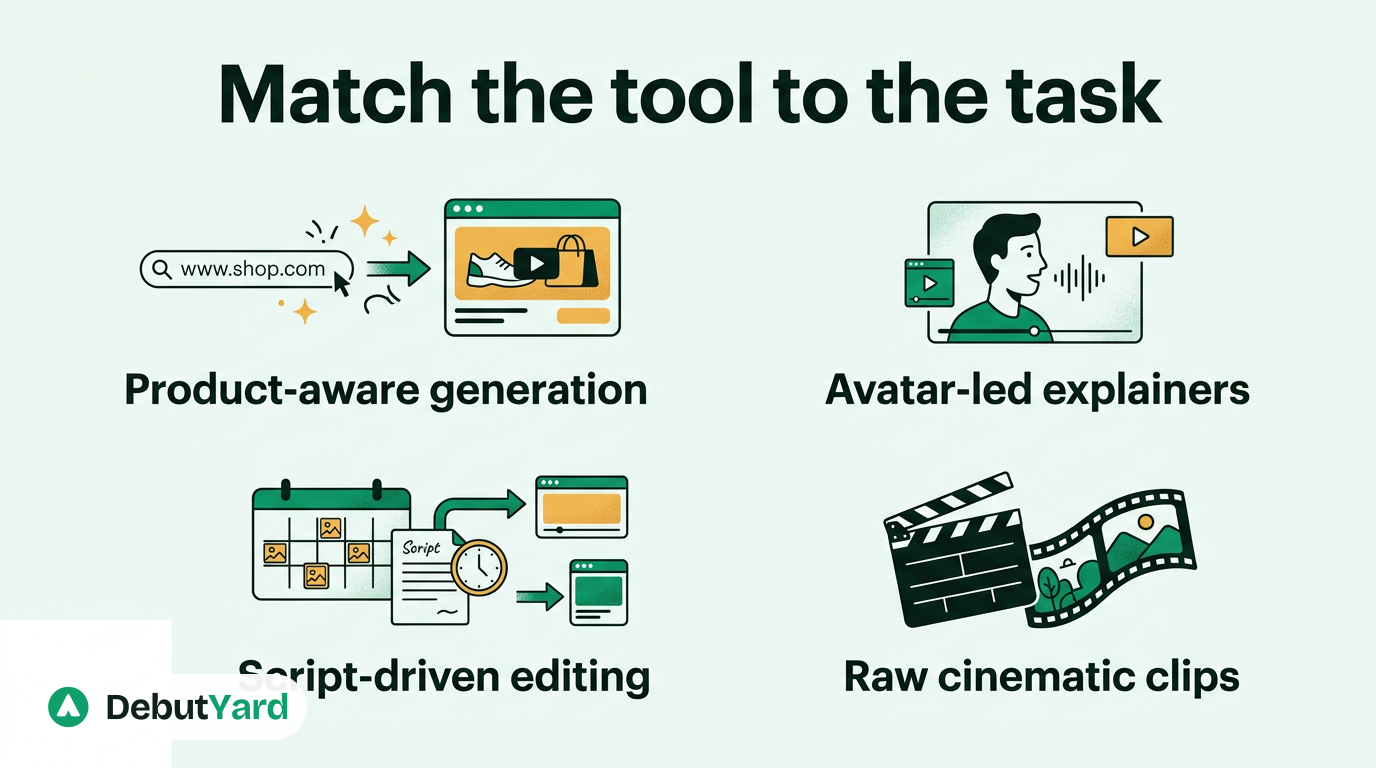
You can cut production costs and accelerate turnaround times when you match the tool to the task. Today, the market splits into distinct categories: raw cinematic models, avatar-led explainers, and automated social pipelines.
Here are the eight tools leading the category right now:
Google Veo 3.1: Best all-around for cinematic realism.
Runway (Gen-4.5): Best for granular creative control.
HeyGen: Best for personalized talking avatars and sales.
UgcAd AI: Best for ready-to-use UGC video ads.
Tayang: Best for automated faceless social channels.
Plimo: Best for combining trending templates with new models.
AI Car Video: Best for automotive dealers and listing videos.
Kling AI: Best for photorealistic human faces on a budget.
How we picked the best AI video generator software
We selected these tools based on recent successful product launches in the DebutYard Video category, alongside the established outside models that define the current technical standard. We checked pricing and features directly on each product's website in November 2026. Rather than ranking them by visual fidelity alone, we ordered this list by the specific workflows they solve best.
Compare the top AI video generators
Tool | Best for | Pricing model | Free plan | Standout feature |
|---|---|---|---|---|
Google Veo 3.1 | Cinematic text-to-video | Pay-per-second API | No | Three API tiers for speed vs. cost |
Runway (Gen-4.5) | Granular motion control | From $15/month | Yes (Older models) | Advanced camera manipulation |
HeyGen | Sales and explainers | From $29/month | Yes | 175+ languages and dialects |
UgcAd AI | E-commerce video ads | Freemium | Yes | URL-to-video ad generation |
Tayang | Automated social media | From $15/month | No | Posts daily without an editor |
Plimo | Trending social clips | From $15/month | Yes | Combines Veo, Kling, and others |
AI Car Video | Car dealership inventory | From $59/car | Yes (Watermarked) | Done-for-you production |
Kling AI | Long cinematic shots | From $8.80/month | Yes | 30-second native video capability |
1. Google Veo 3.1: Best all-around for cinematic realism
Google Veo 3.1 is the company's updated generation model family. It generates high-fidelity video clips from text prompts, static images, and reference workflows, complete with native audio. Developers and creators use it through Google's API to build applications or run programmatic bulk generations.
Tiered performance: It offers Standard, Fast, and Lite tiers, letting you balance rendering speed against generation costs (Mindstudio.ai, April 2026).
Native audio generation: The model renders accompanying sound effects matched to the generated visual action.
Reference workflows: You can guide the output visually using existing images for better prompt adherence.
Pricing: Charged per generated second. As of August 2026, the Standard tier costs $0.40/second at 1080p, while the Lite tier drops to $0.05/second at 720p (The Rundown AI, August 2026).
Best for: Technical teams and API developers requiring high-fidelity background generation.
Limitation: There is no free API tier for Veo 3.1, and the cheapest Lite tier does not support 4K resolution output or video-to-video workflows (Atlascloud.ai, August 2026).
Website: Google Cloud
2. Runway (Gen-4.5): Best for granular creative control
Runway Gen-4.5 sits inside Runway's web platform as a specialized generative model for turning text or images into highly directed short clips. It focuses heavily on strict prompt adherence and giving the user tight control over cinematic camera motion, making it a favorite for text to video tools used by creative professionals.
Precise camera controls: Pan, tilt, zoom, and track options allow you to act as a virtual cinematographer.
API access: Developers can integrate the model at $0.12 per generated second (Note.com, July 2026).
Realistic physics: The 4.5 model handles complex fluid dynamics and particle effects accurately.
Pricing: Paid web plans start at $15 a month (Standard) for 625 credits, checked July 2026.
Best for: Filmmakers and video editors needing specific B-roll shots that require exact camera movements.
Limitation: Gen-4.5 generation is locked to paid plans. Users on Runway's free tier cannot access the Gen-4.5 model, and high-end ProRes exporting requires the expensive Max or Enterprise plans (Magichour.ai, May 2026).
Website: RunwayML
3. HeyGen: Best for personalized talking avatars and sales
HeyGen moves away from cinematic scenery and focuses entirely on human presenters. It is a web-based AI avatar platform that turns typed scripts into professional talking-head videos. Users can select pre-made avatars or generate a custom presenter from a single reference photograph.
Global reach: The platform supports voice cloning and accurate lip-syncing across more than 175 languages and dialects (Powerdigital.sg, November 2026).
Custom avatars: You can create a digital twin of yourself to read scripts without setting up a camera.
Sales integrations: It connects directly with CRM and outreach tools for personalized prospecting.
Pricing: Starts at $29 a month for the Creator plan (600 credits), checked November 2026.
Best for: Sales teams, corporate training departments, and educators who need human-led explainer videos.
Limitation: Credit consumption varies wildly. Using premium Avatar IV models or exporting in 4K drains your monthly credit allowance much faster than standard generations, making budgeting difficult (Digitalmaker.ai, October 2026).
Website: HeyGen
4. UgcAd AI: Best for ready-to-use UGC video ads
UgcAd AI specifically targets e-commerce brands and performance marketers who need to generate user-generated content (UGC) without hiring influencers. You paste a product URL, and the platform fetches the details, writes the script, selects an AI actor, and renders a ready-to-publish social ad in minutes.
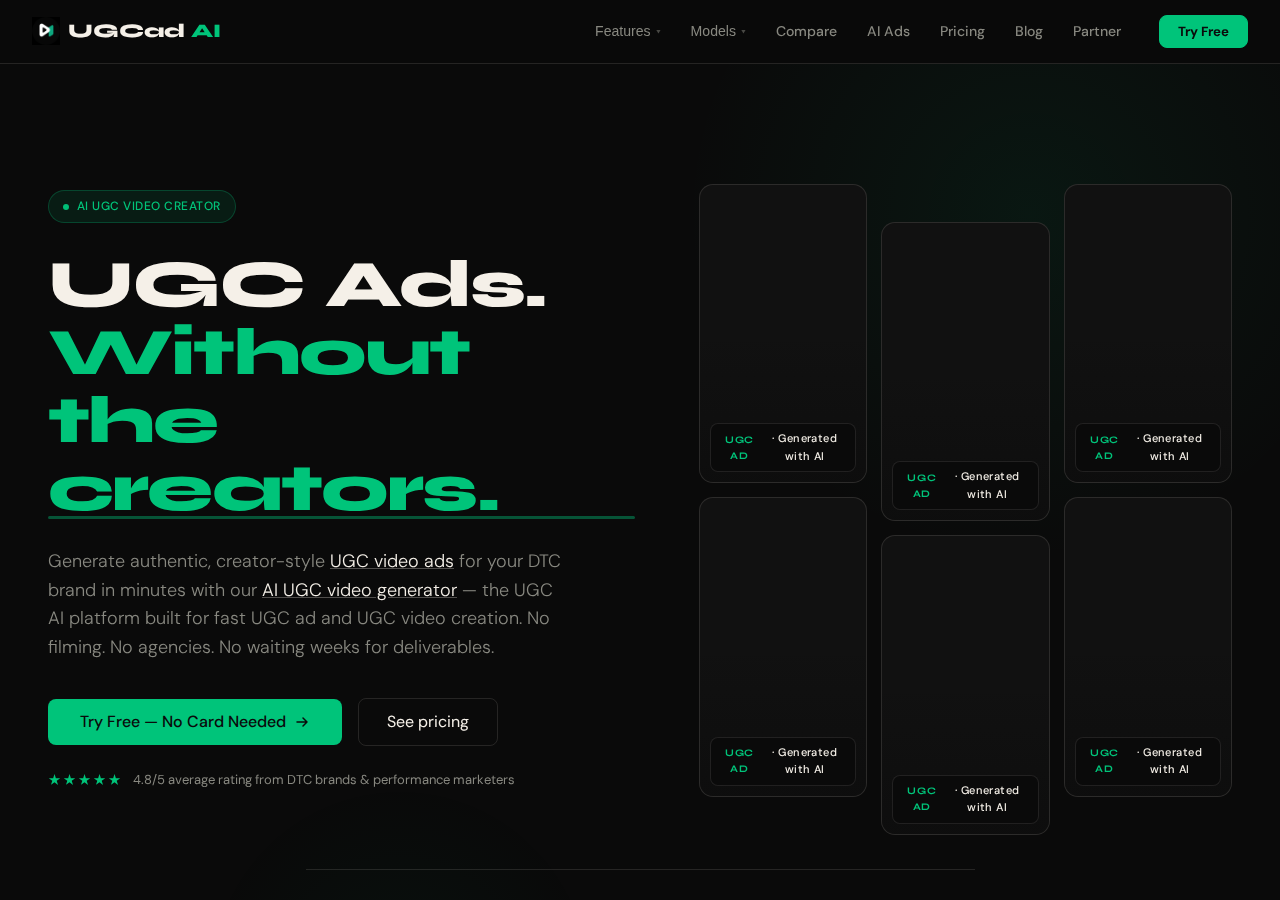
URL to video: Fully automates the ad creation process straight from a Shopify or Amazon product link.
Massive actor library: Features over 1,000 AI avatars and voices to match diverse brand demographics.
Direct publishing: Connects directly to Meta Ads and TikTok Ads Manager from the dashboard.
Pricing: Freemium model, offering a free trial with optional paid upgrades, checked November 2026.
Best for: DTC founders and performance Marketing teams testing multiple ad creatives at scale.
Limitation: Because the tool focuses purely on generating structured avatar-led ad formats from product links, it does not build cinematic, prompt-based scenery from scratch.
Links: UgcAd AI on DebutYard | Website
5. Tayang: Best for automated faceless social channels
Running a faceless channel usually requires stitching together four different tools. Tayang replaces the writer, image generator, voice actor, and scheduler. You pick a niche once, and Tayang writes the script, illustrates scenes, voices the text, adds captions, and publishes the video automatically to your linked accounts every day.
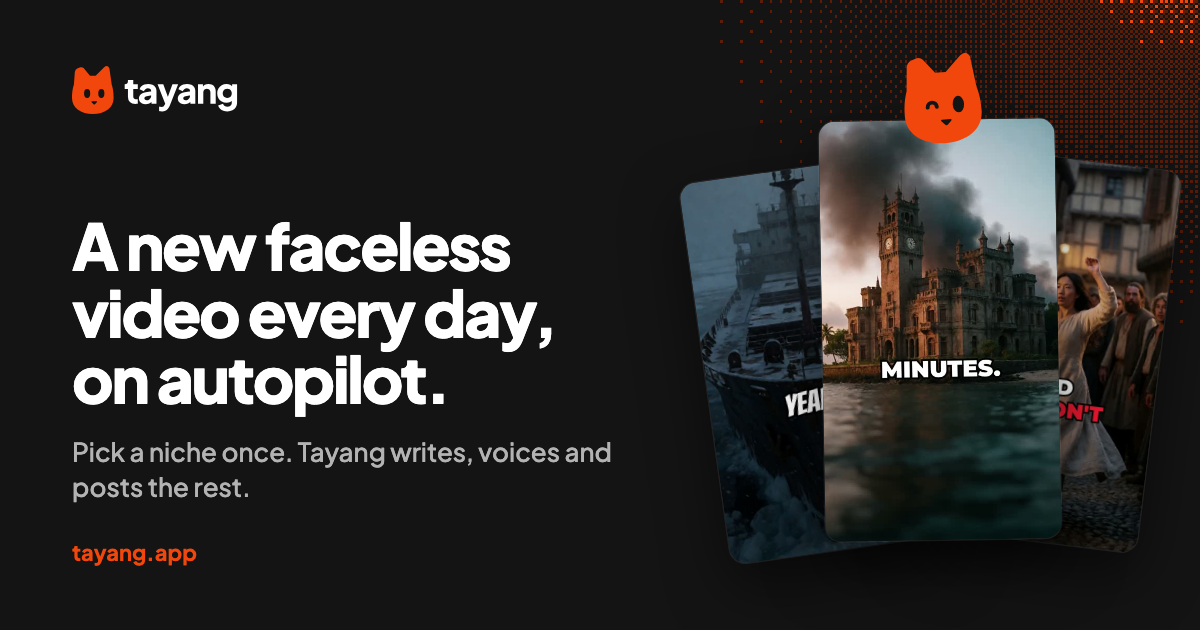
True autopilot: Tayang manages a backlog of topics that never repeat, requiring zero daily input.
Multi-platform distribution: Posts automatically to TikTok, YouTube Shorts, and Instagram Reels.
Word-by-word captions: Generates dynamic, highlighted captions optimized for silent social scrolling.
Pricing: The Hobby plan costs $15 a month for up to 13 automated videos, checked November 2026.
Best for: Solo creators and affiliate marketers managing multiple faceless video generators across different niches.
Limitation: Tayang is a strict automated pipeline. You never open a timeline editor, meaning you trade granular scene-by-scene tweaking for hands-off automation.
Links: Tayang on DebutYard | Website
6. Plimo: Best for combining trending templates with new models
Plimo is an aggregate platform that brings top AI models (including Kling, Veo, and others) into one unified dashboard without requiring an account to start. It focuses heavily on viral formats, offering one-click templates like "Bald Transition" or "Cinematic Push-in" that apply complex prompt engineering to your uploaded photos automatically.

Multiple models, one login: Access models from Google, ByteDance, and Kuaishou using a single credit pool.
Trending templates: Pre-built settings allow users to recreate viral social media effects instantly.
Free image editing: Basic image generation and photo restyling cost nothing and feature no watermarks.
Pricing: The Plus plan costs $15 a month (or $7.50 a month billed yearly) for 3,000 credits, checked November 2026.
Best for: Social media managers who want to experiment with different base models without paying for five separate subscriptions.
Limitation: Unused plan credits reset at the end of each monthly billing period; they do not roll over to the next month.
Links: Plimo on DebutYard | Website
7. AI Car Video: Best for automotive dealers and listing videos
AI Car Video solves a highly specific problem for used-car dealerships: aging inventory. Rather than forcing salespeople to film walkarounds, dealers submit a link to their existing photo listings. A human operator uses AI tools to transform those static images into a dynamic, 20-second vertical trailer complete with captions, music, and dealership branding.

Done-for-you service: You submit a link, and a team returns a finished MP4 file within 24 hours.
Inventory focused: Designed specifically to answer buyer questions and prove vehicle condition visually.
Risk-free trials: The first video delivered is free but watermarked, allowing dealers to inspect the quality before buying.
Pricing: Unlocking a clean, unwatermarked video costs from $59 per car, checked November 2026.
Best for: Dealerships that want to automate video content for their inventory without buying camera gear or training staff.
Limitation: Because the video is generated from static listing photos, the presentation cannot definitively prove that a specific mechanical feature (like a power window) actually works in real life.
Links: AI Car Video on DebutYard | Website
8. Kling AI: Best for photorealistic human faces on a budget
Developed by Kuaishou, Kling AI gained traction as a powerful alternative to established Western models. It excels at rendering complex, realistic human expressions and multi-shot cinematic sequences. Its 4.0 model supports up to 30 seconds of continuous native video generation, which is exceptionally long for the category.
Extended duration: Generates up to 30 seconds of seamless footage in a single prompt.
Advanced human rendering: Highly capable of retaining facial consistency across complex movements.
Accessible tiers: Offers a generous daily free allowance for casual users.
Pricing: The Standard plan costs $8.80 a month for 660 credits, checked November 2026 (Gamsgo.com, November 2026).
Best for: Indie filmmakers and hobbyists trying to generate long, continuous narrative scenes.
Limitation: The pricing structure is frequently cited as confusing. There is no flat fee per video; instead, the credit cost fluctuates drastically based on the model version, clip length, resolution, and audio settings (Gamsgo.com, November 2026).
Website: Kling AI
How to choose the right AI video generator
Research from 2026 shows that business buyers adopt AI video tools primarily to scale production output while reducing costs by up to 70% (Go-Techsolution, April 2026). To hit those metrics, you have to buy for your specific workflow.
If you need to generate high volumes of ugc video ai ads for an online store, a tool like UgcAd AI saves hours of manual prompting. If your goal is to launch and run hands-off social channels, look at full pipeline tools like Tayang. If you are a designer needing a cinematic background for a webpage, raw generation models like Veo 3.1 or Runway will give you the precise camera control you require.
Start with the free trial or watermarked outputs that most platforms offer. Test your most difficult prompt or script, and evaluate the result before committing to an annual plan.
Keep reading

Comparison
Freelance Invoicing Software: 5 Best Tools
85% of freelancers face late payments. Compare five top freelance invoicing software options designed to automate billing and get you paid faster.
Henry27 Nov 2026 · 6 min
Building with AI
AI Text Humanizers: Make AI Writing Sound Natural
Remove the robotic tone from your content. Here is how AI text humanizers work and the exact editing steps to make your AI writing sound natural.
Get new posts by email
One email each Monday: the week's winners, new debuts and whatever we published.